

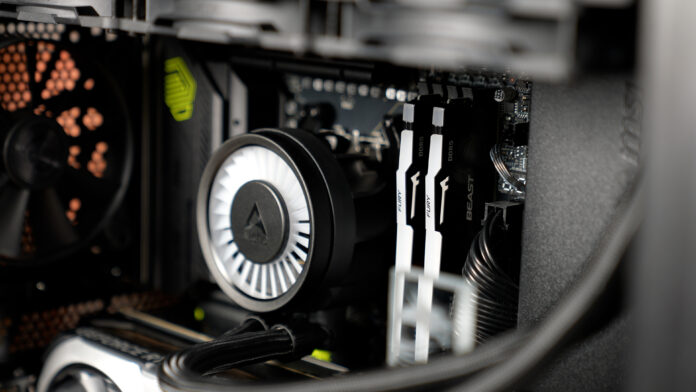
Kingston FURY Beast DDR5 RGB is a higher-end memory line designed for users who value performance and stability. Kits in this series reach very high frequencies (up to 6800 MT/s), and in everyday use 64 GB (2×32 GB) delivers excellent bandwidth and system responsiveness. That translates into shorter load times and smoother performance in RAM-intensive tasks. Beast memory is fully factory-tested for its rated speeds and supports Intel XMP 3.0 and AMD EXPO profiles (“one-click overclocking”). The built-in on-die ECC and the optimized power management layout (PMIC) also improve stability, and on top of that the manufacturer backs it with a lifetime warranty, exactly the kind of package you expect from premium-class memory.
First impressions
In the high-performance DDR5 segment, alongside models like Corsair Dominator and G.Skill Trident Z5, Kingston FURY Beast DDR5 RGB has a few aces up its sleeve. These modules are available in two color variants, black and white, and in versions with or without LED lighting. For testing, I used the black RGB version. The first ace is performance potential. Hand-picked DRAM ICs and an advanced PMIC provide solid headroom for tuning timings and frequencies. Even if you stick to a standard XMP profile (for example 6000 MT/s with relatively low latency), you’ll get bandwidth close to top competing kits while keeping latency low, which benefits both gaming and productivity.
The second strong point is build quality. Solid aluminum heat spreaders dissipate heat effectively, and the black finish (with subtle silver accents) looks bold without being flashy. Module height is relatively modest, the RGB version is around 42 mm tall, so compatibility usually isn’t an issue with most AIO or air coolers (in my 360 mm radiator setup I didn’t notice any conflicts). Kingston also puts effort into broad validation across popular motherboards, so installation and enabling XMP is typically a matter of minutes.
The third strong point is the lighting. The top light bar is well designed, spreading light evenly along the entire length for a continuous look with no dead zones. The addressable LEDs shine bright and clean, and thanks to Infrared Sync, Beast modules synchronize effects perfectly with each other. In practice it simply looks better than many rivals, colors are rich, gradients are smooth, and animations run evenly.
Use cases
In short, it’s for anything ambitious. In games, a 64 GB DDR5 kit provides comfort and headroom, especially with large open worlds, mods, 4K resolution, and simultaneous streaming or recording. You can keep Discord running, a dozen browser tabs open, overlay tools in the background, and not worry about the system choking. In creative workloads, 4K editing, animation, RAW photo work, large design projects, 3D graphics, compiling, virtual machines, 64 GB isn’t a luxury, it’s a sensible baseline. High-bandwidth DDR5 speeds up loading large assets and helps keep applications responsive. If you regularly work with heavy timelines, multi-layer files, and long renders, Beast DDR5 RGB provides the “springiness” you need so the project doesn’t slow down at critical moments. Previously, back on DDR4, I used 4×16 GB. During this upgrade, I was aiming straight for 64 GB on the new platform.
Looks and RGB – the cherry on top
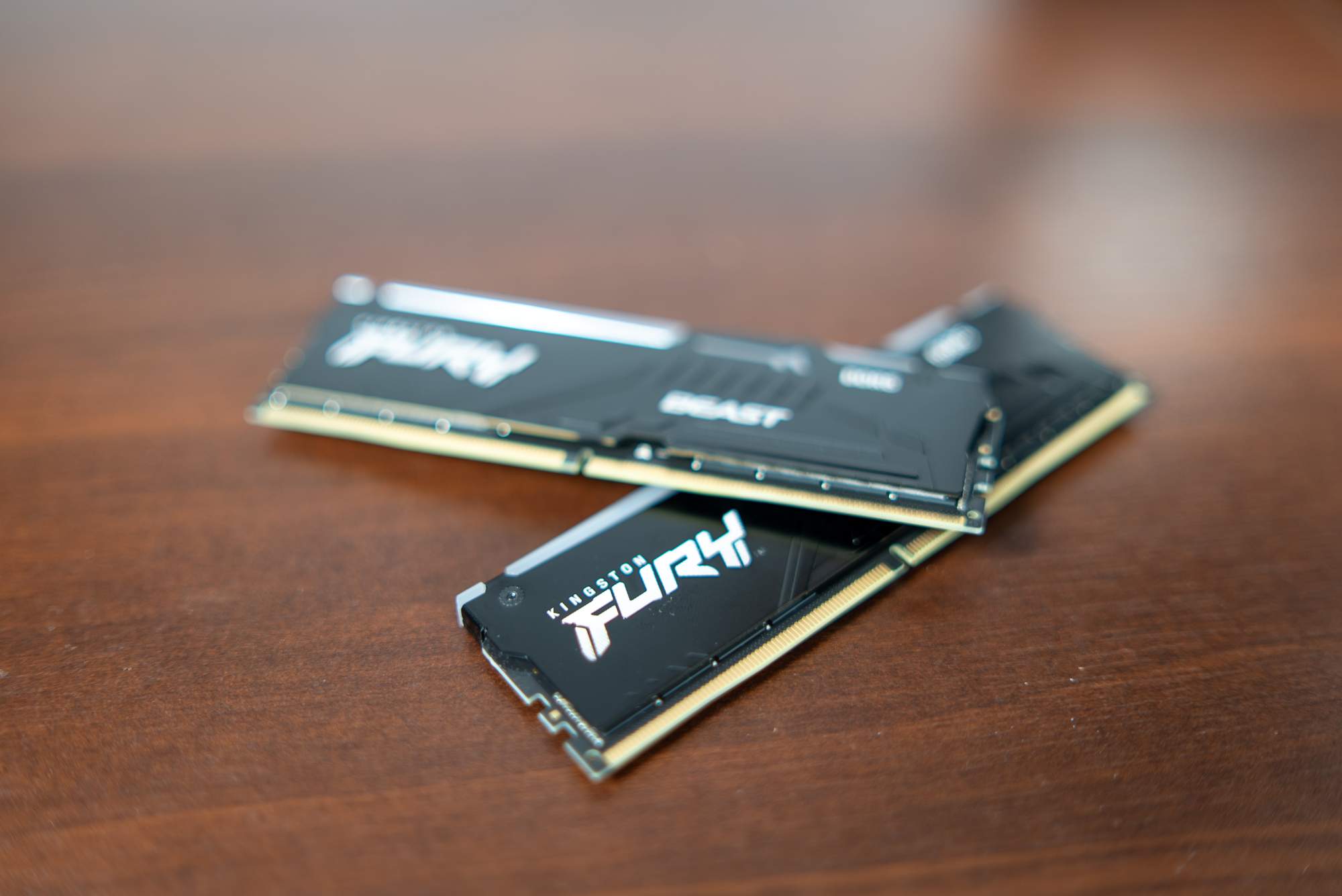
The tested black RGB version looks very good. The black PCB and the sharper-line aluminum heat spreader create a modern aesthetic, bold but not overdone. The biggest impact comes from the RGB light bar itself. It’s not a thin strip or a small logo, it’s a full, smooth ribbon of light across the entire length of the module, with no breaks and no “dead” spots. In my case, this memory draws the most attention. It looks noticeably better than the logo lighting on the case or the illumination on the AIO pump. If you like a PC that sets the mood after dark, Beast DDR5 RGB can absolutely put on a show.
You control the lighting either with FURY CTRL (presets plus full editing of colors, speed, and patterns) or through motherboard ecosystems like Asus Aura, Gigabyte RGB Fusion, MSI Mystic Light, ASRock Polychrome, and so on. That makes it easy to sync RAM with the rest of your components, or do the opposite and let it take the spotlight in a different color.
Daily use and conclusions
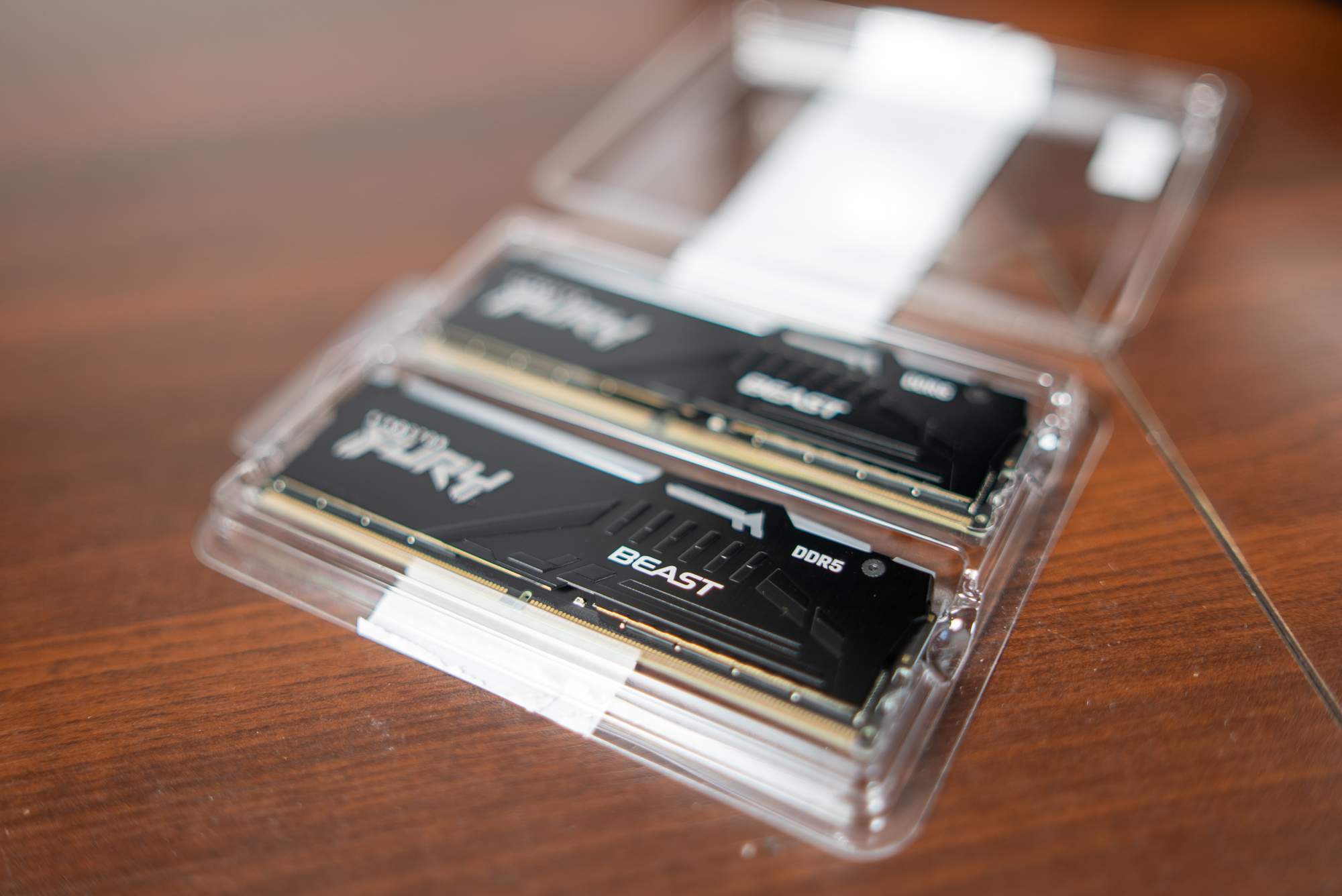
In daily use, Beast DDR5 RGB does exactly what you expect from high-end memory: it’s fast, stable, and it doesn’t demand attention. You just work, play, edit, without freezes or the system feeling bogged down. The RAM is of course silent, and any heat is effectively spread by the heatsink. During long renders or compilations, the only noise comes from CPU cooling and case fans, not the memory. If you like to tweak BIOS settings or play with OC tools, Beast offers a reasonable margin for tightening timings. If you prefer peace of mind, you enable XMP or EXPO and forget there was anything to configure.
At the end, it’s worth highlighting the difference between the Beast and Renegade lines. Beast is a more universal series with a slightly lower maximum frequency (up to 6800 MT/s) and a lower-profile heat spreader (around 42 mm with RGB), while also supporting AMD EXPO profiles. Renegade is the enthusiast-focused series, enabling extreme clocks (up to 8000 MT/s on UDIMM modules and even 8800 MT/s on CUDIMM), at the cost of a taller heatsink and no EXPO support. In practice, Beast offers an excellent performance-to-price balance and strong versatility, while Renegade targets overclockers who want the last few megahertz.

